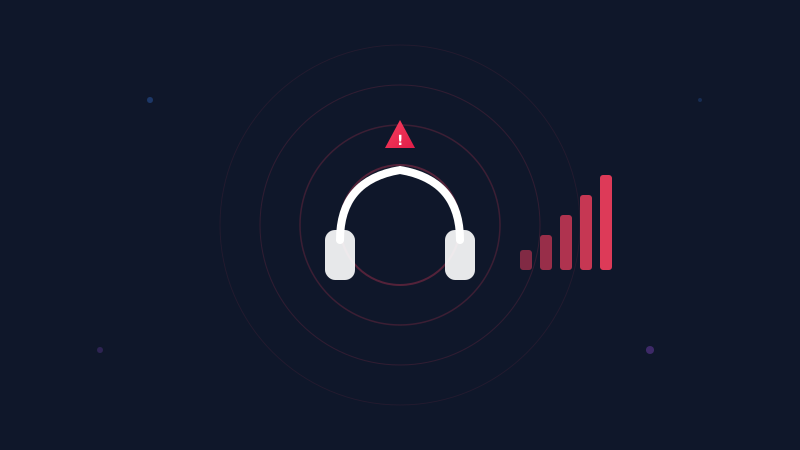
How Auto-Reduce Works: The Technology Behind SoundAlert
Ever wondered how SoundAlert lowers your volume in under a second — without you doing anything? Here's a deep dive into the technology that makes it possible.
SoundAlert Team
SoundAlert
The Core Idea
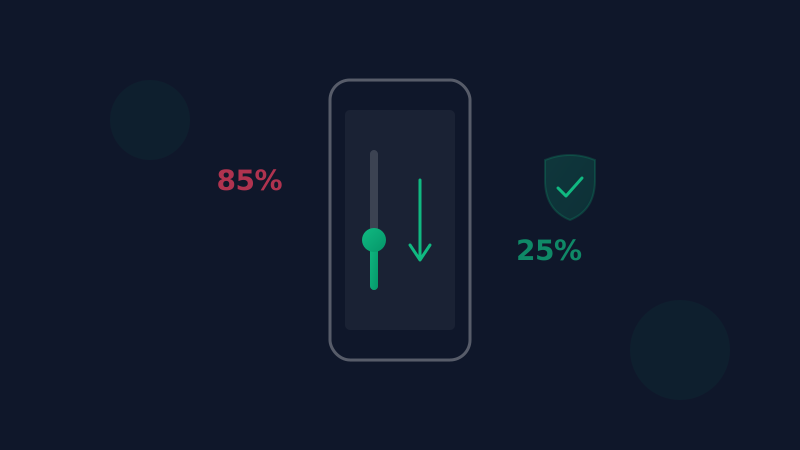
SoundAlert's Auto-Reduce feature does one thing incredibly well: it detects when your volume is too high and lowers it instantly — before anyone hears, before any damage is done.
No notifications to dismiss. No buttons to press. It just works.
How It Works: Step by Step
Step 1: Continuous Monitoring
When SoundAlert is running, it monitors your device's media volume stream in real-time. This happens through Android's AudioManager API, which gives us access to volume levels without recording any audio.
Important: SoundAlert never listens to or records your audio. It only checks the volume level number.
Step 2: App Detection
SoundAlert knows which apps you've selected for monitoring. When you open TikTok, YouTube, Spotify, or any other monitored app, SoundAlert activates its volume check.
This is done through Android's Usage Access permission (UsageStatsManager), which lets SoundAlert see which app is currently in the foreground — without reading any screen content, messages, or data inside the apps.
Step 3: Threshold Comparison
You set a maximum safe volume level (the "threshold") during setup. For most people, this is around 25-40% of maximum volume, depending on their headphones and environment.
When SoundAlert detects that your current volume exceeds your threshold, it triggers the reduction.
Step 4: Instant Reduction
The volume reduction happens in under 1 second. SoundAlert calls Android's volume API to smoothly lower the volume to your safe level. The transition is so fast and smooth that most users don't even notice it happened.
Why This Approach Is Better
vs. Volume Limit Settings
Android's built-in volume limit is a static cap. SoundAlert is smarter — it only activates for specific apps and adapts to your preferences.
vs. Notification-Based Alerts
Most "volume warning" apps just show you a notification. By the time you read it and manually lower the volume, the damage window has already passed. SoundAlert acts automatically.
vs. Doing Nothing
The average person checks their phone 96 times per day. That's 96 potential moments where volume could be too high. No human can be vigilant enough — but software can.
The Numbers
Since launch, SoundAlert has:
- •Reduced volume automatically thousands of times
- •Protected users across 10+ app categories
- •Done it all with zero battery impact (less than 1% drain)
Privacy First
SoundAlert has no internet permission for the monitoring service. Your volume data, app usage, and listening habits never leave your device. We couldn't access your data even if we wanted to.
Try It Yourself
The Auto-Reduce feature works in both FREE and PRO tiers. Free users get 1 monitored app with unlimited auto-reduce, forever. PRO and LIFETIME users unlock all apps.
Download SoundAlert and experience the peace of mind that comes from knowing your hearing is protected — automatically.
Ready to Protect Your Hearing?
Download SoundAlert for free and start protecting your ears today.
Download Free